Transaction Description
The exchange is a hybrid transaction mode, which provides an order book function off the chain, all settlements are completed on the chain to ensure the security of funds, and contracts are deployed on the BSCchain , so it supports BSCasset transactions on the chain. The trading steps are divided into the following parts:
- connect wallet
- select trading pair
- Approve Token
- Submit orders
- Cancel the order (optional)
- Waiting for order transaction
Connect Wallet
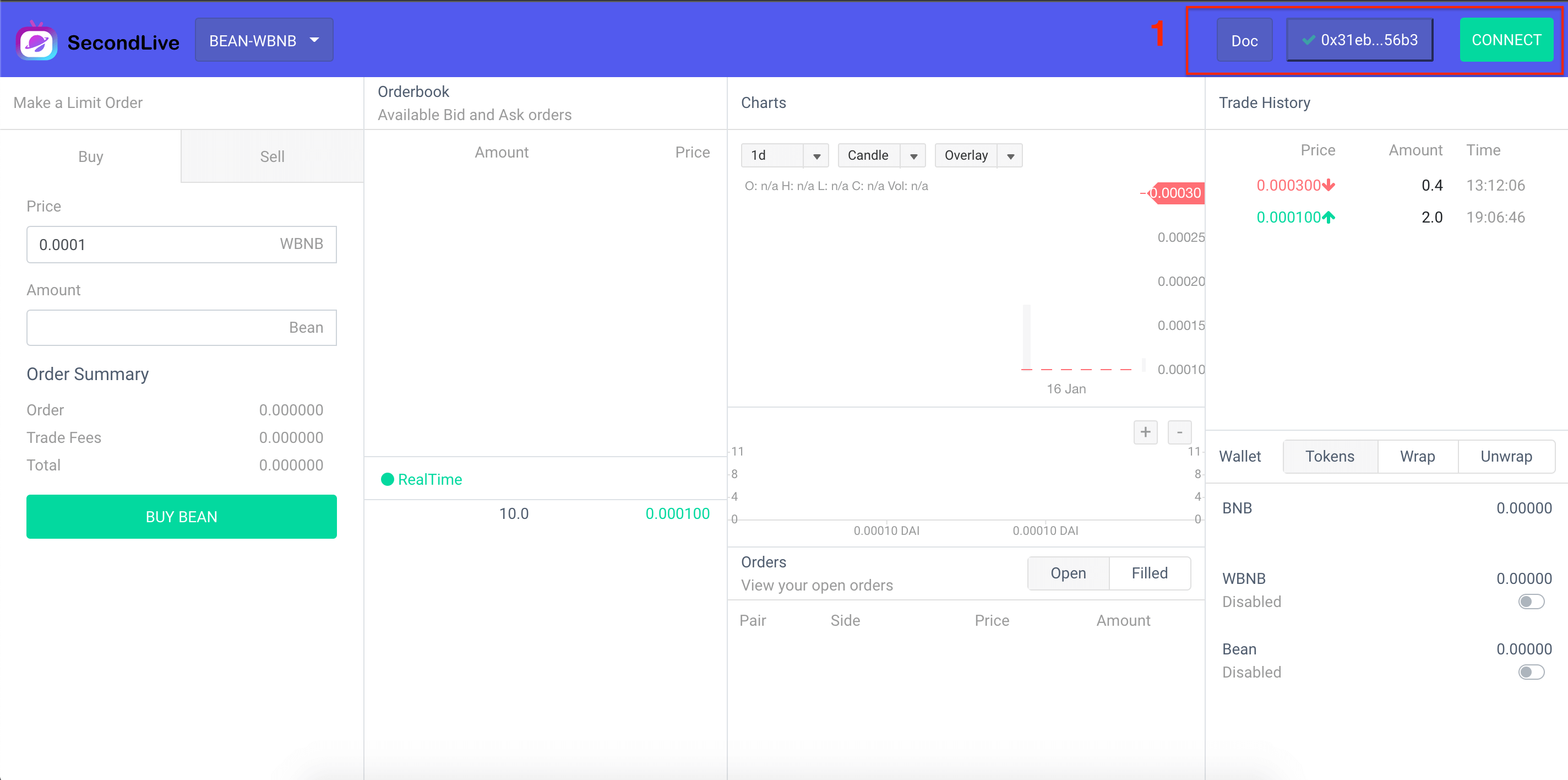 As shown in the figure above, this transaction contract is deployed on the
 BSCchain, and it needs to be usedmetamaskand switched to theBSCmain chain. Click theCONNECTbutton in the upper right corner to complete the connection request. Only after the connection is completed can thedapptransaction account address be known.
Select Trading Pair
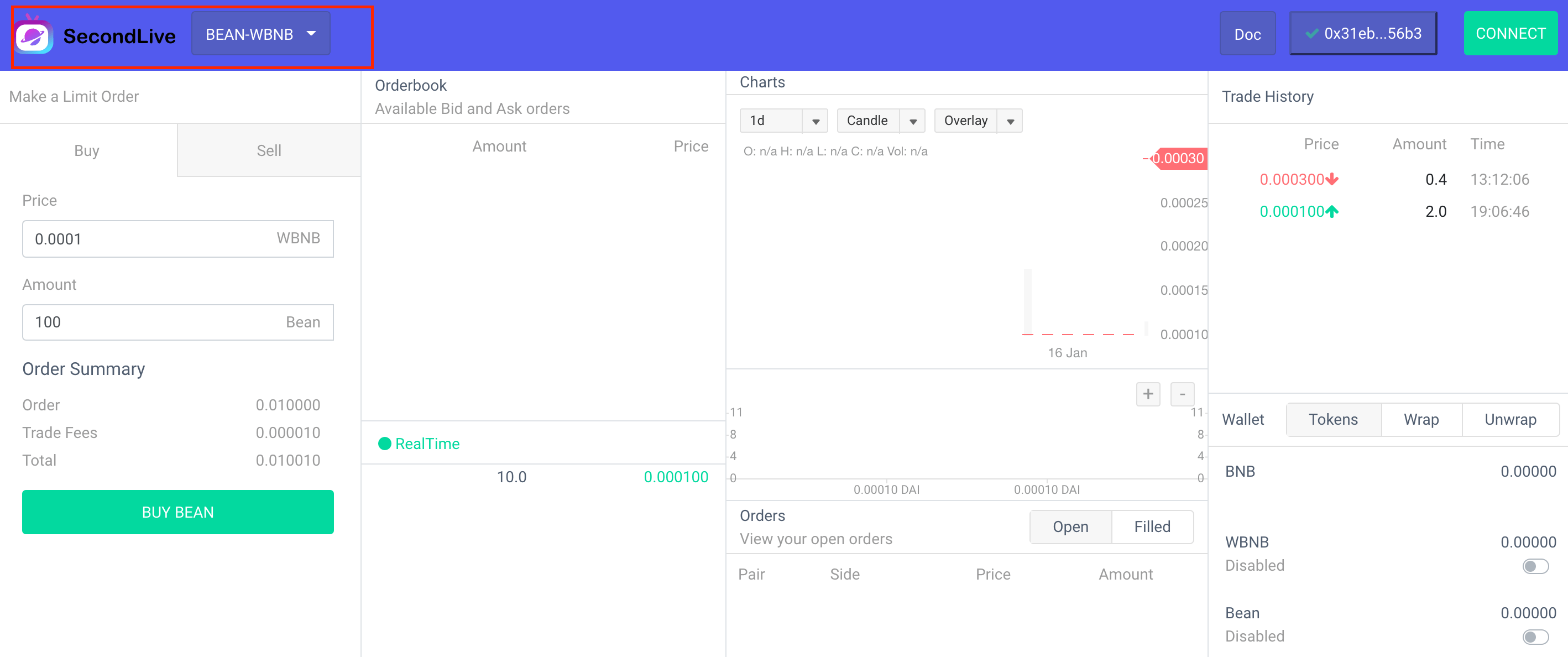
As shown in the figure above, you can select the trading pair information you want to trade in the dapp upper left corner . Please note that the contract runs on the BSC chain and only supports on BSC-chain asset transactions.
Approve Token
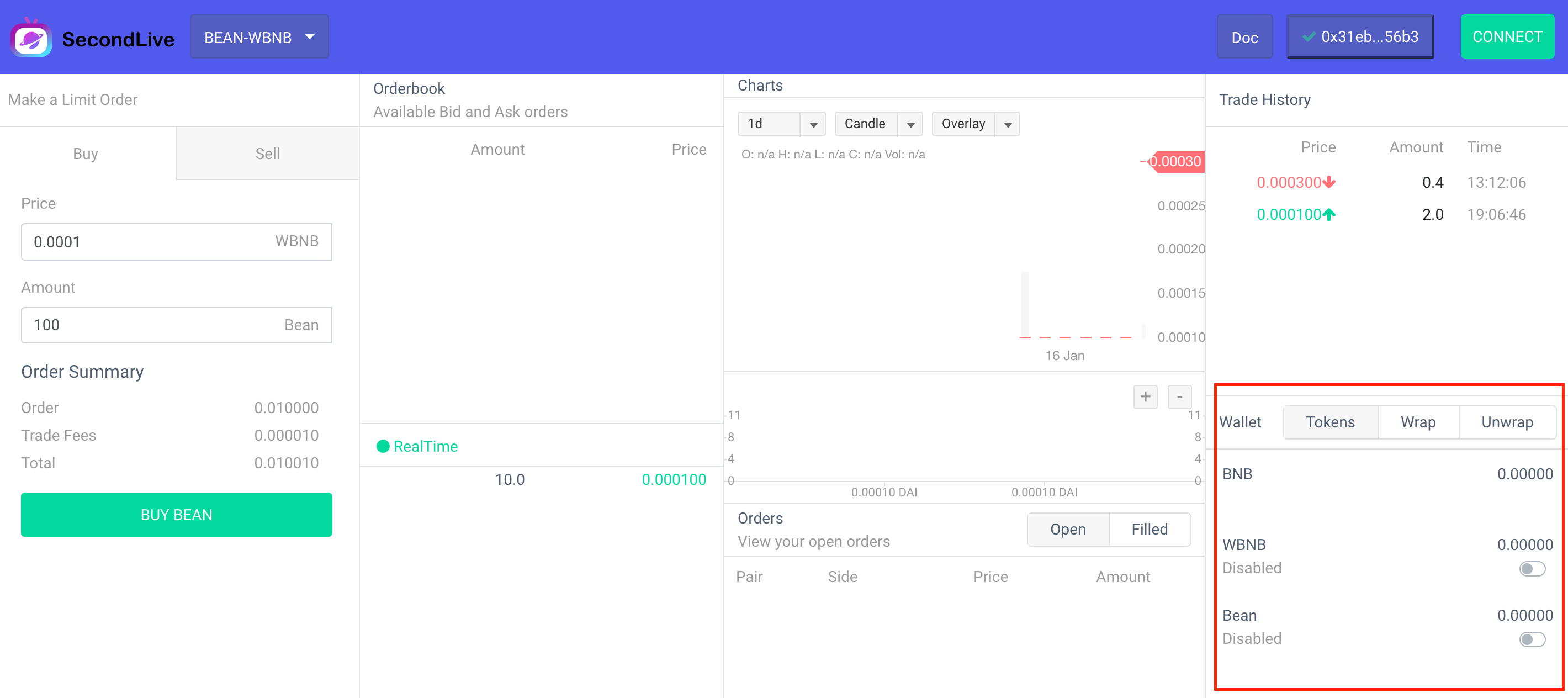
Dapp The transaction does not require pre-recharge, which can ensure the security of funds. Before the transaction, it is necessary to authorize part of the token quota of the contract, and the token exchange step can be completed when the order is settled on the chain. In addition, the contract does not have any If, It can be used with confidence, and the user can cancel the authorization operation at any time, which can be easily implemented on the interface. Special attention needs to be paid here, the smart contract can only complete the token settlement work, so if you want to use BNB the token to trade, you need to package it first, and the functions WBNB in use can be easily packaged or restored , because you need to execute contract, so it needs to consume a certain amount of GAS, so it is necessary to ensure that the wallet has enough to pay the GAS feed app wrap、 unwrap、BNB WBNB WBNB BNB BNB WBNB
Submit orders
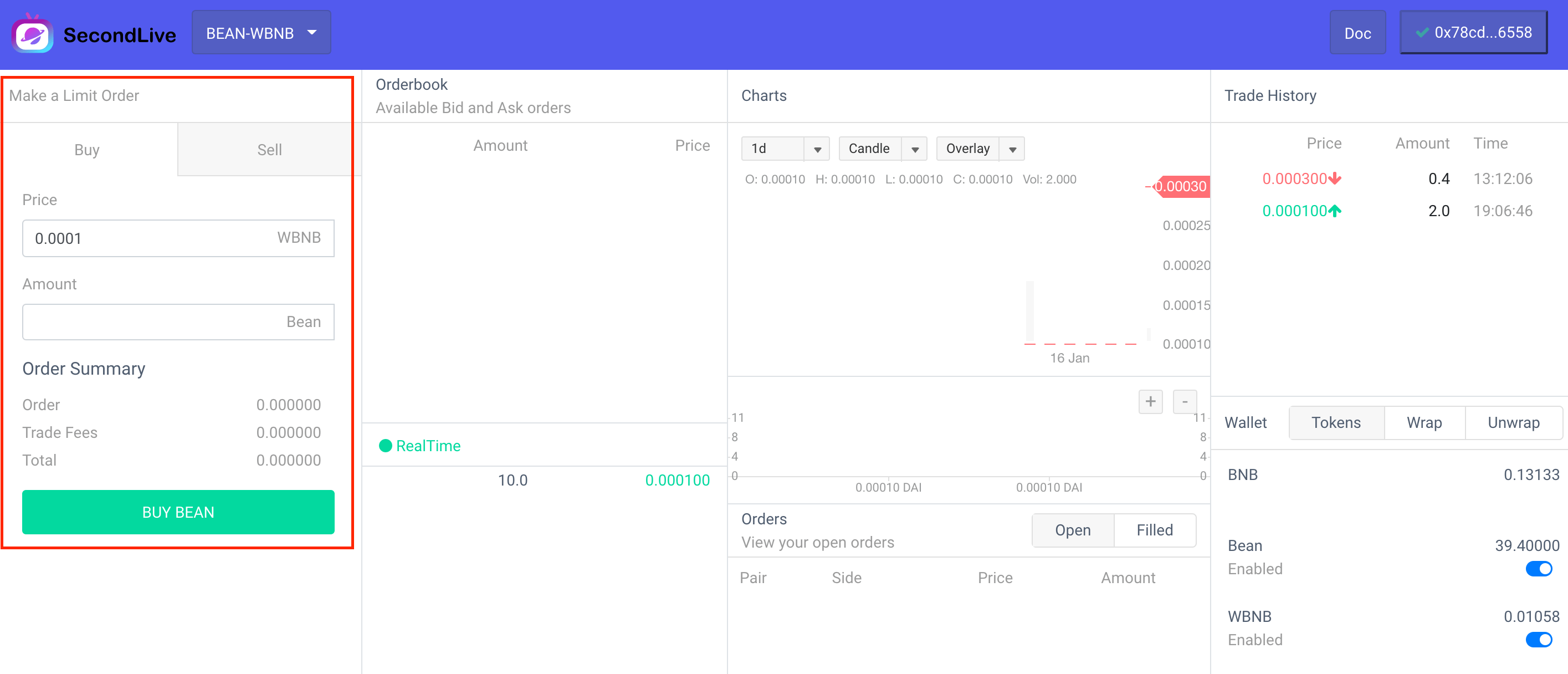
After completing the above steps, you can place an order. dapp There is an order panel in the upper left corner. There are two options, namely Buy and Sell, and the trading pair is BEAN-WBNB, then it BEAN is a base Token, and it WNBN is a quote Token. All trading operations are relative to base Token In other words, the Buy button is now to buy BEAN and sell WBNB, and the Sell button is to sell BEAN Buy WBNB, click the button to place an order, if the user’s balance and authorization meet the requirements, an order will be generated. There are two situations at this time:
- If there is a counterparty transaction order (the order can be completed immediately), the user order will be released to the contract to perform the settlement operation. This step is completed by the contract, so it can ensure the safety of funds
- There is no counterparty order (the order cannot be completed immediately), the user’s order will be placed in the order list to wait for the transaction
The order operation does not require GAS fees, so it is zero cost
Cancel order
Orders that are not filled after placing an order will appear in the order list. Cancellation can be performed before the order is filled. This step is done off-chain without any gas cost.
Common problem
User orders are submitted to on-chain settlement, but transactions are not executed
The fact that the order is submitted to the chain for settlement does not mean that settlement will definitely occur. If the order is found to not meet the requirements during the settlement process, the settlement will be interrupted, but it will be displayed on the dapp as successful. Please rest assured that the user’s funds will not have any loss.